From address or plate to parts
Start with a house address or a Dutch number plate. See the model, check every brick, then order the real parts.
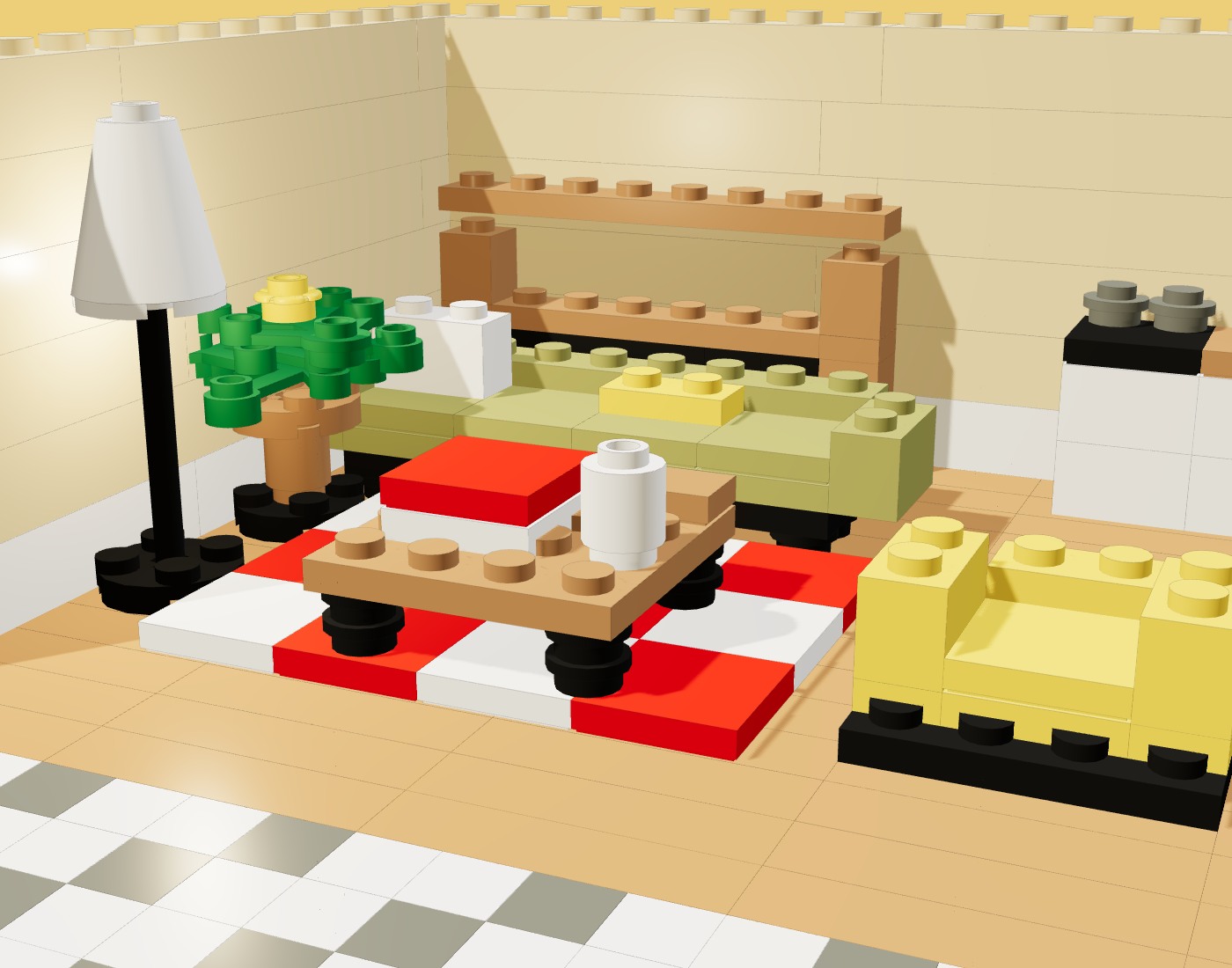
Three ways to start
Houses start from an address and cars from a Dutch number plate. Objects go through an enquiry. In each case you check the model before you order any parts.
A house, from an address
Available street, aerial and listing views are gathered for you. Uploading your own photos is an optional extra.
- 11× address
Enter the address
Search for the address and confirm the building on the map.
- 2Up to 8 sources
We gather the views
Available street, aerial and listing photos are collected and filtered. Untick any that show the wrong house; you can add your own views.
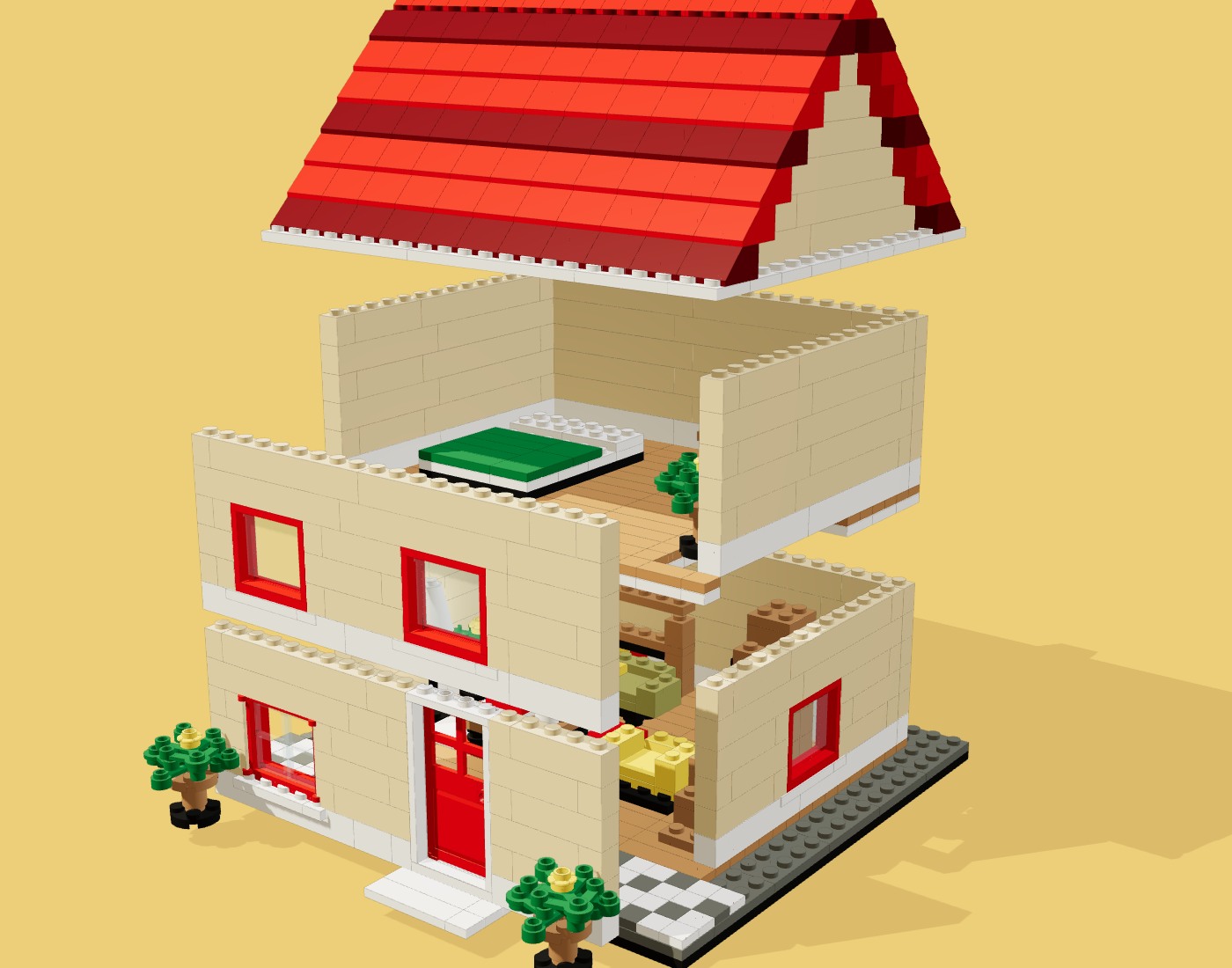 33D modelParts list
Check every brick
The model is designed from real catalog parts. Turn it, take it apart, change parts and save.
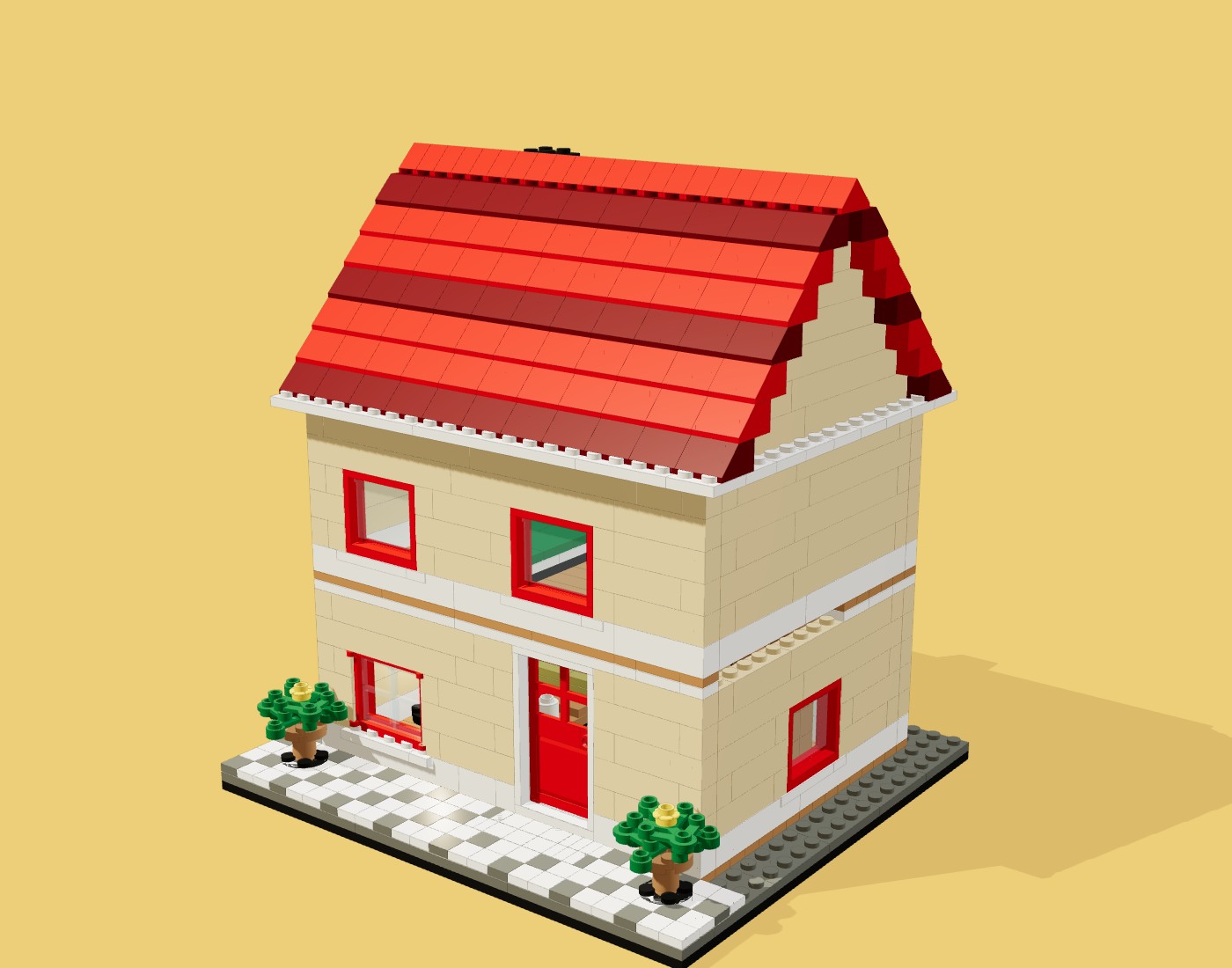 4Parts kitPDF instructions
Order and build
Order the matched parts in one checkout and follow the illustrated steps.
A car, from a number plate
The plate identifies the car. Reference photographs guide the model’s proportions, windows and lights.
Enter the number plate
Type a Dutch number plate, or choose photographs in the studio.
We look it up
RDW supplies the make, model and registered colour. Review the reference photos found for that model.
Check every brick
The model is built from real parts. Turn it, take it apart and change parts.
Order the parts
Order the matched parts in one checkout and follow the illustrated steps.
An object
A product or something with a story. Tell us what you have and we reply with what is possible, before anything is built.
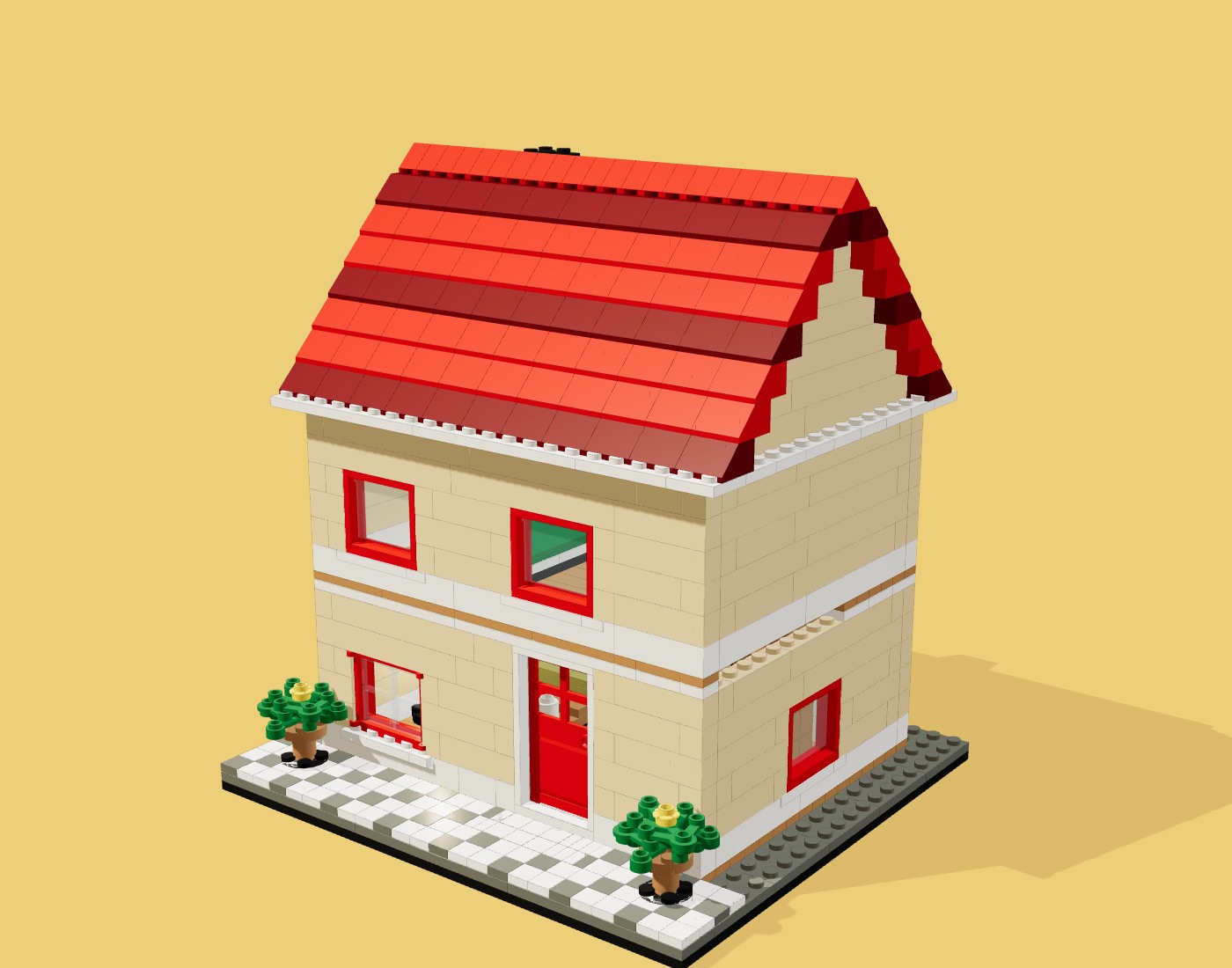
Check before you order
For a house, compare window spacing, door position, roof shape and colours with the views. For a car, compare the colour and body with the RDW details. A photograph can show what a map or a register cannot.
In the studio you can turn the model, select a part and save your changes. The parts list and instructions follow the saved version.
Look through the examplesQuestions and answers
How do I start a house model?
Enter the address and confirm the building. The studio gathers available street, aerial and listing views automatically, and you can review them before the model is made. Coverage varies by address.
How does the car number plate lookup work?
Type a Dutch number plate. Your browser sends it to the public RDW open-data register (opendata.rdw.nl), which returns the make, model, body type and colour. The studio uses those details to find model-reference photos and interpret the car. We do not store the plate or any personal data for the lookup.
What comes with a model?
A digital model, illustrated instructions and a parts list. A saved model can be ordered as compatible parts through supplier checkout; the instructions download from the studio.
Which format should I choose?
For a house, Compact keeps the main shapes of the street front, Street front gives that side room for detail, and Whole house includes every side and the roof. The proportions of the building set the final size.
Are these official LEGO sets?
No. Brickatelier is independent and not affiliated with the LEGO Group. The models use compatible parts and colours.
Start a model
Start with an address or a Dutch number plate.